
Artificial Intelligence (AI) has completely changed the way students study, complete assignments, take notes, and prepare for exams. In 2026, students no longer need to spend hours searching for information or organizing notes manually. With the right AI tools, you can learn faster, improve productivity, and even save money by using free versions.
Whether you’re a school student, college student, or preparing for competitive exams, AI can help you write essays, solve math problems, summarize PDFs, create presentations, and much more.
In this guide, we’ve handpicked the 10 best free AI tools for students in 2026 that are genuinely useful and worth trying.
1. ChatGPT
ChatGPT remains one of the most popular AI assistants for students. It can explain difficult concepts, answer questions, generate essays, solve coding problems, and even create study plans.
Best For
- Homework help
- Essay writing
- Coding assistance
- Exam preparation
- Brainstorming ideas
Free Features
- Question answering
- Writing assistance
- Coding support
- Language translation
- Study explanations
Pros
- Easy to use
- Supports multiple subjects
- Fast responses
- Great for learning concepts
Cons
- Some advanced features require a paid plan.
2. Google Gemini
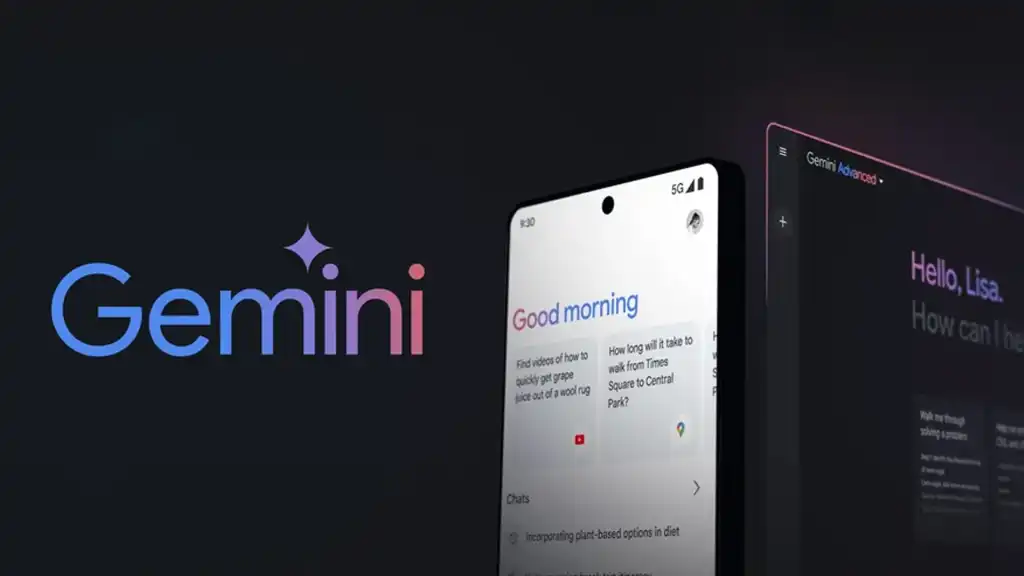
Google Gemini is another powerful AI assistant that integrates well with Google’s ecosystem. It can summarize articles, answer academic questions, and help students with research.
Best For
- Research
- Google Workspace users
- Summarizing documents
- Homework assistance
Pros
- Real-time information
- Easy integration with Google services
- Free access available
Cons
- Some premium features are limited.
3. Perplexity AI
Perplexity AI is perfect for students who need reliable research. Unlike many AI tools, it provides answers with source references, making it easier to verify information.
Best For
- Research papers
- Fact-checking
- Academic projects
Pros
- Source citations
- Accurate information
- Clean interface
Cons
- Limited advanced features in the free version.
4. Grammarly
Writing assignments without grammar mistakes is easier with Grammarly. It checks spelling, punctuation, grammar, clarity, and tone in real time.
Best For
- Essays
- Emails
- Reports
- Research papers
Pros
- Improves writing quality
- Easy browser extension
- Free grammar corrections
Cons
- Advanced suggestions require Premium.
5. Canva Magic Studio
Canva’s AI tools help students create stunning presentations, posters, resumes, and classroom projects in minutes.
Best For
- Presentations
- Infographics
- Posters
- Resume design
Pros
- Thousands of templates
- AI-powered design suggestions
- Beginner-friendly
Cons
- Some templates are premium.
6. Notion AI
Notion AI helps students organize notes, create summaries, manage assignments, and improve productivity.
Best For
- Note-taking
- Project management
- Study planning
Pros
- Clean workspace
- Smart summaries
- Task management
Cons
- AI usage has limits on free plans.
7. Gamma
Gamma allows students to create professional presentations without spending hours designing slides.
Best For
- College presentations
- Project submissions
- Visual storytelling
Pros
- AI-generated presentations
- Modern templates
- Easy editing
Cons
- Limited exports in the free version.
8. QuillBot
QuillBot is widely used for paraphrasing, grammar correction, summarizing, and citation generation.
Best For
- Rewriting content
- Improving assignments
- Academic writing
Pros
- Accurate paraphrasing
- Built-in grammar checker
- Citation generator
Cons
- Daily usage limits on the free plan.
9. Otter.ai
Otter AI automatically records lectures and converts speech into searchable notes.
Best For
- Online classes
- Lecture recordings
- Meeting notes
Pros
- Automatic transcription
- Speaker recognition
- Cloud storage
Cons
- Monthly transcription limits.
10. Adobe Express AI
Adobe Express AI helps students create posters, social media graphics, videos, and presentations with ease.
Best For
- Creative projects
- Video editing
- Posters
Pros
- Easy-to-use interface
- AI-powered design
- Free starter plan
Cons
- Premium templates require a subscription.
Comparison Table
| AI Tool | Best For | Free Version |
|---|---|---|
| ChatGPT | Homework & Learning | ✅ |
| Google Gemini | Research | ✅ |
| Perplexity AI | Fact Checking | ✅ |
| Grammarly | Writing | ✅ |
| Canva Magic Studio | Design | ✅ |
| Notion AI | Notes | ✅ |
| Gamma | Presentations | ✅ |
| QuillBot | Paraphrasing | ✅ |
| Otter AI | Lecture Notes | ✅ |
| Adobe Express AI | Creative Projects | ✅ |
How to Choose the Right AI Tool
The best AI tool depends on your needs:
- For homework: ChatGPT
- For research: Perplexity AI
- For presentations: Gamma or Canva
- For writing: Grammarly and QuillBot
- For note-taking: Notion AI
- For lecture recordings: Otter.ai
Using a combination of these tools can significantly improve your productivity and learning experience.
Frequently Asked Questions
Which is the best free AI tool for students?
ChatGPT is one of the best free AI tools because it helps with homework, writing, coding, and learning new concepts.
Are AI tools safe for students?
Yes, most reputable AI tools are safe when used responsibly. Students should always verify important information from trusted sources.
Can AI improve exam preparation?
Yes. AI tools can explain difficult topics, create practice questions, summarize notes, and help students revise more efficiently.
Are these AI tools completely free?
Most offer generous free plans. However, some advanced features require a paid subscription.
Final Thoughts
AI is transforming education, and students who learn how to use these tools effectively can save time, improve productivity, and focus more on understanding concepts instead of repetitive tasks.
The best approach is not to rely on just one AI tool. Combine ChatGPT for learning, Perplexity AI for research, Grammarly for writing, Canva for presentations, and Notion AI for organizing your studies. Together, these tools can make studying smarter, faster, and more enjoyable in 2026.