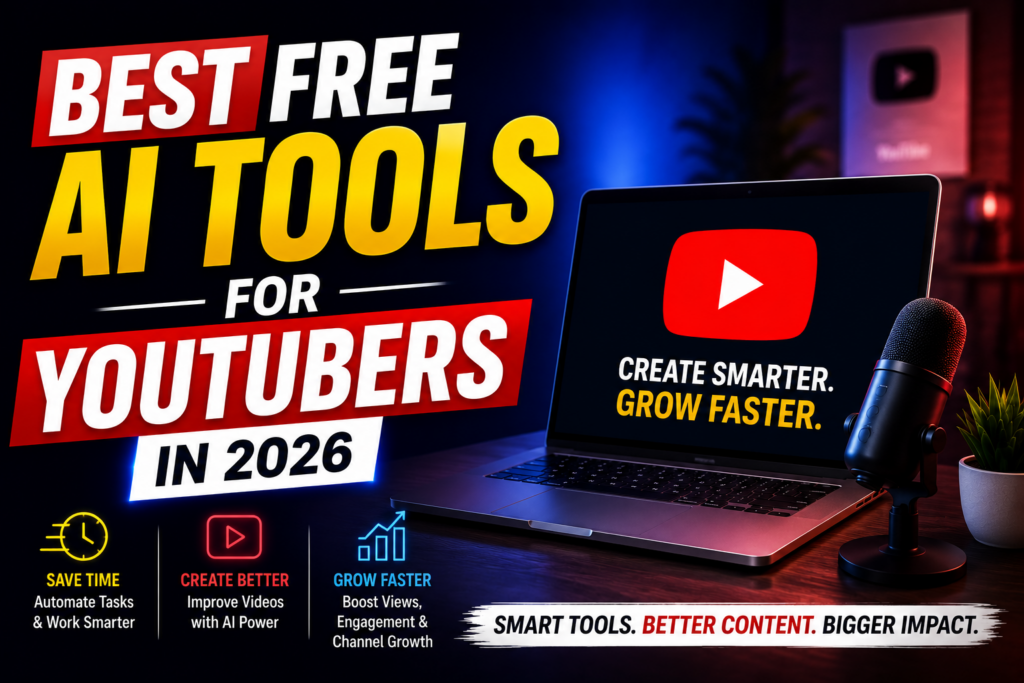
Growing a YouTube channel in 2026 requires much more than simply uploading videos.
Successful creators spend hours researching topics, writing scripts, editing videos, designing thumbnails, optimizing titles, creating subtitles, and promoting their content across multiple platforms.
Fortunately, Artificial Intelligence (AI) is making these tasks much easier.
Today’s AI tools can automate repetitive work, improve video quality, speed up editing, and help creators focus on producing engaging content.
The best part?
Many powerful AI tools offer generous free plans, making them ideal for beginners and growing YouTubers.
In this guide, we’ll explore the best free AI tools for YouTubers in 2026 and explain how each one can help you create better videos in less time.
Why YouTubers Should Use AI
Creating one high-quality YouTube video often requires several hours—or even days—of work.
AI helps simplify the entire production process.
Benefits include:
- Faster video creation
- Better scripts
- Improved thumbnails
- Automatic subtitles
- SEO optimization
- Voice generation
- Content repurposing
- Increased productivity
Whether you’re just starting your channel or already have thousands of subscribers, AI can significantly improve your workflow.
1. ChatGPT
ChatGPT is one of the most valuable AI assistants for YouTubers.
It helps generate:
- Video ideas
- Scripts
- Hooks
- Titles
- Descriptions
- Community posts
- Video outlines
Best For
Every YouTube creator.
2. Canva AI
Thumbnails have a major impact on click-through rate.
Canva AI helps create:
- YouTube thumbnails
- Channel banners
- Social media graphics
- Infographics
- Promotional posts
Best For
Creators who want professional designs without advanced graphic design skills.
Also Read :- Best AI Tools for Content Creators in 2026
3. CapCut AI
CapCut AI simplifies video editing through features like:
- Auto captions
- AI editing
- Background removal
- Object tracking
- AI effects
- Short-form video creation
Best For
YouTube Shorts and long-form video creators.
4. ElevenLabs
Professional voiceovers no longer require expensive recording equipment.
ElevenLabs generates realistic AI voices for:
- Narration
- Documentary videos
- Explainer content
- Educational videos
- Audiobooks
Best For
Faceless YouTube channels.
5. Grammarly
Good writing improves viewer trust.
Grammarly helps refine:
- Scripts
- Emails
- Sponsorship proposals
- Video descriptions
- Community posts
Best For
Educational and professional creators.
6. Perplexity AI
Research is essential for producing valuable content.
Perplexity AI helps:
- Verify facts
- Summarize information
- Research trending topics
- Compare sources
Best For
Educational, finance, technology, and news creators.
7. Notion AI
Managing a YouTube channel involves planning multiple videos.
Notion AI helps organize:
- Content calendars
- Video ideas
- Upload schedules
- Sponsorship notes
- Production workflows
Best For
Creators publishing consistently.
Also Read :- Best Free AI Tools for Students in 2026
8. Claude
Claude excels at long-form writing.
It assists with:
- Detailed scripts
- Video outlines
- Research summaries
- Course creation
- Documentary planning
Best For
Educational and storytelling channels.
9. Google Gemini
Gemini supports:
- Topic research
- Script brainstorming
- SEO-friendly writing
- Content planning
- Workflow improvement
Best For
Creators using Google Workspace.
10. VidIQ AI
VidIQ offers AI-powered YouTube optimization tools.
It helps with:
- Keyword research
- Video ideas
- SEO scores
- Competitor analysis
- Channel growth insights
Best For
Creators focused on growing their audience through search and recommendations.
How AI Helps YouTubers Grow Faster
AI doesn’t replace creativity—it supports it.
By automating repetitive tasks, creators can:
- Publish videos more consistently.
- Spend more time improving content quality.
- Produce videos faster.
- Focus on audience engagement.
- Scale their channel efficiently.
Consistency combined with quality is one of the biggest drivers of long-term YouTube success.
Choosing the Right AI Tools
Different creators have different needs.
Educational Channels
- ChatGPT
- Claude
- Perplexity AI
- Grammarly
Faceless Channels
- ElevenLabs
- CapCut AI
- Canva AI
Vloggers
- CapCut AI
- Canva AI
- Notion AI
Tech Review Channels
- ChatGPT
- Perplexity AI
- Google Gemini
YouTube Shorts Creators
- CapCut AI
- Canva AI
- VidIQ AI
Instead of using every available tool, choose the ones that solve your biggest workflow challenges.
11. TubeBuddy AI
TubeBuddy is one of the most popular YouTube optimization tools.
Its AI-powered features help creators:
- Generate video ideas
- Optimize titles
- Improve descriptions
- Research keywords
- Analyze competitors
- Track channel performance
Best For
Creators focused on improving YouTube SEO and increasing organic views.
12. Runway
Runway makes professional video editing faster using AI.
Popular features include:
- AI background removal
- Object replacement
- Video enhancement
- Motion tracking
- AI-powered editing
Best For
Creators producing high-quality cinematic videos.
Also Read :- Best Credit Cards for Beginners in India
13. Descript
Descript combines video editing with AI transcription.
Features include:
- Automatic transcription
- Text-based video editing
- AI voice correction
- Screen recording
- Podcast editing
Best For
Podcasters, educators, and tutorial creators.
14. Opus Clip
Repurposing long videos into short clips is easier with Opus Clip.
It automatically creates:
- YouTube Shorts
- Instagram Reels
- Facebook Reels
- TikTok videos
Best For
Creators publishing both long-form and short-form content.
15. Pictory AI
Pictory converts written content into engaging videos.
It can generate videos from:
- Blog posts
- Scripts
- Articles
- Presentations
Best For
Educational channels and faceless YouTube creators.
16. Remove.bg
Clean thumbnails often require transparent backgrounds.
Remove.bg automatically removes image backgrounds in seconds.
Best For
Thumbnail designers and content creators.
17. Adobe Express AI
Adobe Express AI helps creators design:
- Thumbnails
- Social media posts
- YouTube banners
- Promotional graphics
- Channel branding
Best For
Creators who want professional branding with minimal effort.
18. Fireflies AI
Interviews and collaboration videos generate a lot of information.
Fireflies AI helps by:
- Recording meetings
- Creating transcripts
- Generating summaries
- Capturing action points
Best For
Interview channels and business creators.
19. Buffer AI
Growing a YouTube channel requires promotion beyond YouTube.
Buffer AI helps schedule:
- Instagram posts
- LinkedIn updates
- Facebook posts
- X (Twitter) posts
It also generates captions using AI.
Best For
Creators building a personal brand.
20. Zapier AI
Automation can save creators hours every week.
Zapier AI connects different platforms and automates tasks such as:
- Publishing updates
- Email notifications
- Content workflows
- File management
- Social media automation
Best For
Creators managing multiple platforms and repetitive workflows.
Comparison Table
| AI Tool | Best For |
|---|---|
| ChatGPT | Script Writing |
| Canva AI | Thumbnails & Graphics |
| CapCut AI | Video Editing |
| ElevenLabs | AI Voiceovers |
| Grammarly | Script Improvement |
| Perplexity AI | Research |
| Notion AI | Content Planning |
| Claude | Long Scripts |
| Google Gemini | Brainstorming |
| VidIQ AI | YouTube SEO |
| TubeBuddy AI | Channel Optimization |
| Runway | AI Video Editing |
| Descript | Podcast & Video Editing |
| Opus Clip | Shorts Creation |
| Pictory AI | Text-to-Video |
| Remove.bg | Thumbnail Editing |
| Adobe Express AI | Branding |
| Fireflies AI | Interview Summaries |
| Buffer AI | Social Media Promotion |
| Zapier AI | Automation |
Best Free AI Tools by Creator Type
Beginner YouTubers
- ChatGPT
- Canva AI
- CapCut AI
- Grammarly
Faceless Channels
- ElevenLabs
- Pictory AI
- CapCut AI
- Canva AI
Educational Channels
- Claude
- Perplexity AI
- ChatGPT
- Grammarly
Gaming Channels
- CapCut AI
- Canva AI
- TubeBuddy AI
Tech Review Channels
- Perplexity AI
- Google Gemini
- ChatGPT
- VidIQ AI
Common Mistakes YouTubers Make with AI
AI is an excellent productivity tool, but creators should avoid these common mistakes.
Publishing AI Scripts Without Editing
AI-generated scripts should always be reviewed and personalized.
Adding your own voice makes content more engaging and authentic.
Ignoring Fact Checking
Verify statistics, claims, and technical information before publishing.
Accuracy helps build audience trust.
Overusing AI Voices
While AI voiceovers are useful, excessive reliance on robotic narration may reduce viewer engagement for some audiences.
Neglecting Thumbnail Quality
AI can assist with design, but compelling thumbnails still require creativity and audience understanding.
Using Too Many Tools
You don’t need twenty AI tools to succeed.
Start with a few that solve your biggest workflow challenges and expand as your channel grows.
Frequently Asked Questions
Are free AI tools enough for YouTube?
Yes.
Many creators successfully produce high-quality videos using free AI plans. As your channel grows, premium plans may unlock additional features.
Which AI tool is best for writing YouTube scripts?
ChatGPT and Claude are among the most popular tools for brainstorming ideas, creating outlines, and drafting detailed video scripts.
Which AI tool helps with YouTube SEO?
VidIQ AI and TubeBuddy AI provide keyword research, optimization suggestions, and channel analytics.
Can AI edit YouTube videos?
Yes.
Tools such as CapCut AI, Runway, and Descript offer AI-powered editing features that simplify the production process.
Will AI replace YouTubers?
No.
AI can automate repetitive tasks, but creativity, storytelling, personality, and audience connection remain essential for long-term success.
Final Thoughts
Artificial Intelligence has become an invaluable assistant for YouTubers. From generating ideas and writing scripts to editing videos, creating thumbnails, and optimizing content for search, AI tools can dramatically improve efficiency without replacing creativity.
The key is to use AI strategically. Let it handle repetitive work while you focus on producing valuable, engaging content that connects with your audience.
Start with a handful of free tools, master your workflow, and gradually adopt more advanced features as your channel grows.