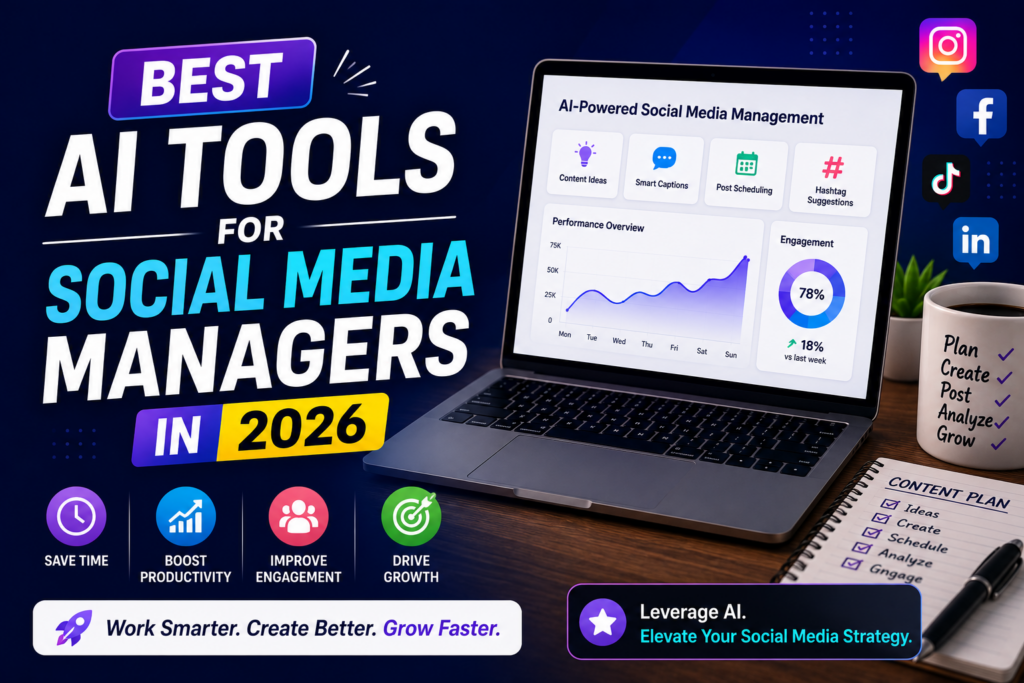
Managing multiple social media accounts has become more demanding than ever.
From creating engaging content and designing graphics to scheduling posts, replying to comments, analyzing performance, and staying updated with trends, social media managers handle dozens of tasks every day.
Artificial Intelligence (AI) is changing how social media professionals work.
Modern AI tools can generate captions, create graphics, automate scheduling, analyze audience behavior, and even suggest content ideas—allowing managers to spend more time on strategy and creativity.
Whether you’re managing a single brand or multiple client accounts, AI can significantly improve your workflow.
In this guide, we’ll explore the best AI tools for social media managers in 2026 and explain how each tool can help you work faster and smarter.
Why Social Media Managers Should Use AI
AI doesn’t replace creativity—it improves efficiency.
Benefits include:
- Faster content creation
- AI-generated captions
- Better content planning
- Improved analytics
- Automated scheduling
- Faster graphic creation
- Better audience engagement
- Increased productivity
Using AI effectively allows managers to focus on strategy instead of repetitive tasks.
1. ChatGPT
ChatGPT is one of the most versatile AI assistants for social media professionals.
It can generate:
- Captions
- Hashtags
- Content ideas
- Ad copy
- Scripts
- Community replies
- Campaign concepts
Best For
Every social media manager.
2. Canva AI
Visual content performs exceptionally well across social platforms.
Canva AI helps create:
- Instagram posts
- Facebook creatives
- LinkedIn graphics
- Pinterest pins
- Stories
- Reels covers
Best For
Graphic creation.
3. Buffer AI
Buffer combines scheduling with AI-powered caption generation.
It helps:
- Schedule posts
- Generate captions
- Plan content calendars
- Manage multiple platforms
Best For
Content scheduling.
4. Hootsuite AI
Hootsuite offers AI-assisted social media management.
Features include:
- Scheduling
- Analytics
- Performance reports
- AI content suggestions
- Team collaboration
Best For
Agencies managing multiple clients.
5. Grammarly
Professional communication matters.
Grammarly improves:
- Captions
- Client emails
- Community responses
- Ad copy
- Blog content
Best For
Editing.
6. Jasper AI
Jasper specializes in marketing content.
It creates:
- Ad copy
- Promotional captions
- Product descriptions
- Landing pages
- Marketing campaigns
Best For
Performance marketers.
7. Copy.ai
Copy.ai generates shorter marketing content quickly.
Popular uses include:
- Captions
- Headlines
- Ad copy
- Product promotions
- CTAs
Best For
Short-form content.
8. Notion AI
Managing multiple clients requires organization.
Notion AI helps manage:
- Content calendars
- Campaign planning
- Team notes
- Client approvals
- Workflow tracking
Best For
Content planning.
9. Perplexity AI
Research helps create stronger social content.
Perplexity AI supports:
- Trend research
- Fact checking
- Industry updates
- Competitor research
- Topic discovery
Best For
Research.
10. Google Gemini
Gemini assists with:
- Brainstorming
- Caption ideas
- Content planning
- Research
- Marketing strategy
Best For
Managers using Google Workspace.
How AI Improves Social Media Marketing
AI speeds up nearly every stage of content creation.
Instead of spending hours writing captions or creating graphics, managers can:
- Publish consistently.
- Test more creative ideas.
- Improve campaign efficiency.
- Focus on audience engagement.
- Analyze performance more effectively.
AI acts as a productivity assistant rather than replacing creative decision-making.
Choosing the Right AI Tools
Choose AI tools based on your workflow.
Freelancers
- ChatGPT
- Canva AI
- Buffer AI
Agencies
- Hootsuite AI
- Notion AI
- Jasper AI
Content Creators
- Canva AI
- ChatGPT
- Copy.ai
Performance Marketers
- Jasper AI
- Grammarly
- Perplexity AI
A smaller, well-integrated toolkit often delivers better results than using too many overlapping platforms.
11. Later AI
Later is a popular social media scheduling platform with AI features.
It helps you:
- Schedule posts
- Plan visual content
- Organize campaigns
- Publish across multiple platforms
Best For
Instagram-focused brands and creators.
12. Metricool
Metricool combines scheduling with analytics in one dashboard.
Key features include:
- Social media scheduling
- Performance tracking
- Competitor analysis
- AI insights
- Report generation
Best For
Marketing agencies and businesses.
13. Publer AI
Publer helps automate social media publishing.
Features include:
- AI caption generation
- Bulk scheduling
- Link shortening
- Calendar management
- Post recycling
Best For
Managing multiple social accounts.
14. Adobe Express AI
Adobe Express AI makes graphic creation simple.
You can design:
- Social media posts
- Stories
- Banners
- Promotional creatives
- Advertisements
Best For
Quick, professional designs.
15. Opus Clip
Video content performs well across all social platforms.
Opus Clip automatically converts long videos into:
- Instagram Reels
- Facebook Reels
- YouTube Shorts
- TikTok videos
Best For
Short-form video marketing.
16. CapCut AI
CapCut AI simplifies video editing through AI features like:
- Auto captions
- Background removal
- AI effects
- Object tracking
- Video enhancement
Best For
Video creators and social media managers.
17. ElevenLabs
Professional voiceovers improve video engagement.
ElevenLabs creates realistic AI voices for:
- Reels
- Explainer videos
- Ads
- Product demos
Best For
Faceless content creators.
18. Brand24
Monitoring your brand online is essential.
Brand24 helps track:
- Brand mentions
- Customer sentiment
- Online discussions
- Influencer activity
Best For
Brand reputation management.
19. Zapier AI
Zapier automates repetitive workflows.
Examples include:
- Automatically sharing blog posts
- Saving leads
- Sending notifications
- Updating spreadsheets
- Connecting marketing apps
Best For
Marketing automation.
20. FeedHive AI
FeedHive combines AI writing with scheduling.
Features include:
- AI caption suggestions
- Scheduling
- Post previews
- Analytics
- Content recycling
Best For
Content marketers.
Comparison Table
| AI Tool | Best For |
|---|---|
| ChatGPT | Caption Writing |
| Canva AI | Graphic Design |
| Buffer AI | Scheduling |
| Hootsuite AI | Agency Management |
| Grammarly | Editing |
| Jasper AI | Marketing Copy |
| Copy.ai | Short-form Content |
| Notion AI | Planning |
| Perplexity AI | Research |
| Google Gemini | Brainstorming |
| Later AI | Instagram Scheduling |
| Metricool | Analytics |
| Publer AI | Multi-platform Posting |
| Adobe Express AI | Graphics |
| Opus Clip | Short Videos |
| CapCut AI | Video Editing |
| ElevenLabs | AI Voiceovers |
| Brand24 | Brand Monitoring |
| Zapier AI | Automation |
| FeedHive AI | Content Scheduling |
Best Free AI Tools for Social Media Managers
If you’re just getting started, these free tools provide excellent value:
- ChatGPT
- Canva AI
- Grammarly
- Google Gemini
- Perplexity AI
- CapCut AI
- Adobe Express AI
- Buffer (Free Plan)
These tools are sufficient for managing most personal brands and small business accounts.
Common Mistakes Social Media Managers Make with AI
AI is incredibly useful, but relying on it incorrectly can reduce content quality.
Posting AI Content Without Editing
Always review captions and posts before publishing.
Personalizing the content improves authenticity.
Ignoring Brand Voice
AI-generated content should match your client’s tone and communication style.
Consistency builds trust.
Over-Automating Everything
Automation saves time, but genuine audience interaction remains essential.
Respond to comments and messages personally whenever possible.
Not Checking Facts
Verify statistics, trends, and claims before posting.
Accuracy is especially important for finance, health, and technology content.
Using Too Many AI Platforms
Choose tools that fit your workflow rather than subscribing to every available platform.
Frequently Asked Questions
Can AI completely manage social media?
No.
AI assists with content creation, scheduling, and analytics, but human creativity and strategy remain essential.
Which AI tool is best for captions?
ChatGPT and Copy.ai are excellent for generating engaging captions.
Which AI tool is best for scheduling?
Buffer AI, Later AI, and Publer AI are popular scheduling platforms.
Can AI create social media graphics?
Yes.
Canva AI and Adobe Express AI help design professional graphics quickly.
Are free AI tools enough?
For many freelancers, creators, and small businesses, free plans provide enough functionality to manage social media efficiently.
Final Thoughts
AI has become an essential productivity partner for modern social media managers.
From generating captions and creating graphics to scheduling content and analyzing performance, AI tools help reduce repetitive work while improving overall efficiency.
The most successful social media managers use AI to enhance—not replace—their creativity.
Choose a few reliable tools, build an efficient workflow, and focus on creating valuable content that connects with your audience.
Key Takeaways
- AI helps save time on repetitive social media tasks.
- Use AI for captions, graphics, scheduling, and analytics.
- Always review AI-generated content before publishing.
- Maintain a consistent brand voice.
- Choose tools based on your workflow and business needs.
- Human creativity remains the key to successful social media marketing.